Open your door
Your phone is your key. Open any door you have access to — the front gate, your own apartment, the shared spaces — straight from WoodsApp. Here's how, in three steps.
1. Open WoodsApp
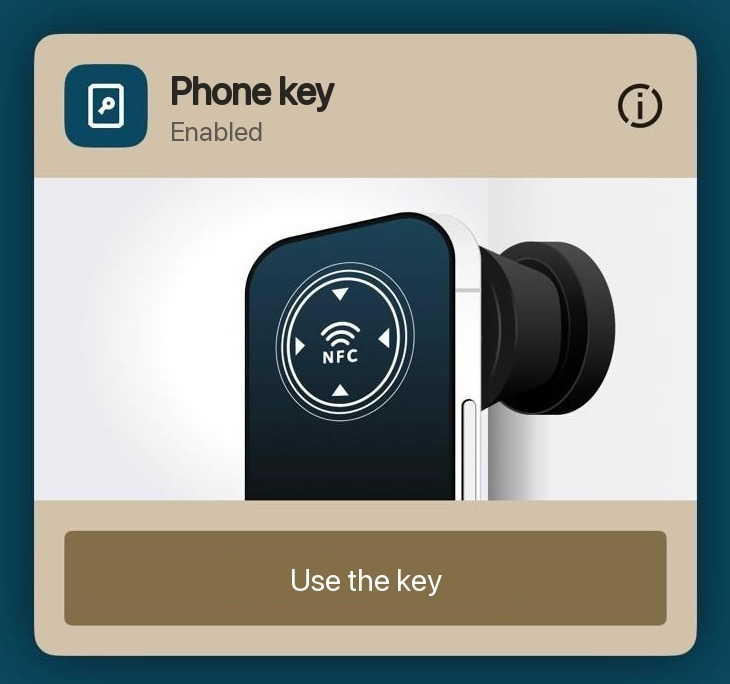
From your dashboard, tap iLOQ. On iPhone, tap the button to start talking to the lock. On Android, just open it and hold your phone to the lock — that's enough.
Been offline a few days? Hop onto your building's wifi or mobile data first, then refresh your keys in WoodsApp so they're up to date.
No key yet? Getting WoodsApp turns your phone into one, step by step.
2. Meet the lock
The lock has no battery, so it sips a little power from your phone to wake up. That power crosses over through your phone's NFC antenna, and it takes a second. A few things help:
- NFC on. iPhone keeps it on always. Android — flip it on in settings.
- Line it up. Hold your phone flat against the lock. Positioning is everything — if your antenna can't reach the lock, nothing happens. WoodsApp shows you where your antenna sits. Not sure? Find your NFC antenna.
- Give it a moment. The power hop takes time. Nothing after 10 seconds? Tap the button again and reposition your phone on the lock.
3. Open up
When the lock wakes, you'll see a green screen with a check and feel a little buzz. Now open the door. How depends on the lock:
- Square wall reader — the door usually swings open on its own.
- Round door knob — turn it to the left. For an apartment door, give it a push as you turn. For a connecting door, pull instead. Feel it out — your hand finds it fast.
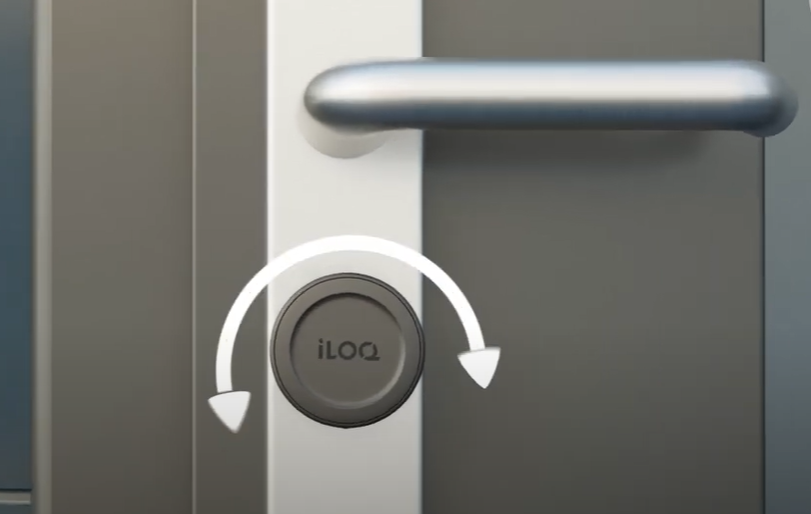
See it in action:
Locking up behind you
Apartment doors lock from the inside. Heading out? Pull the door shut, open WoodsApp and tap iLOQ, then — on iPhone, tap the button — turn the knob to the right. Locked.
Door won't budge?
Nine times out of ten it's positioning. Move slowly, keep your phone flat, and let the antenna and the lock find each other. Once they do, green check, little buzz, door's open.
Still stuck? Find your NFC antenna has the fixes phone by phone, or let us know and we'll sort it.